
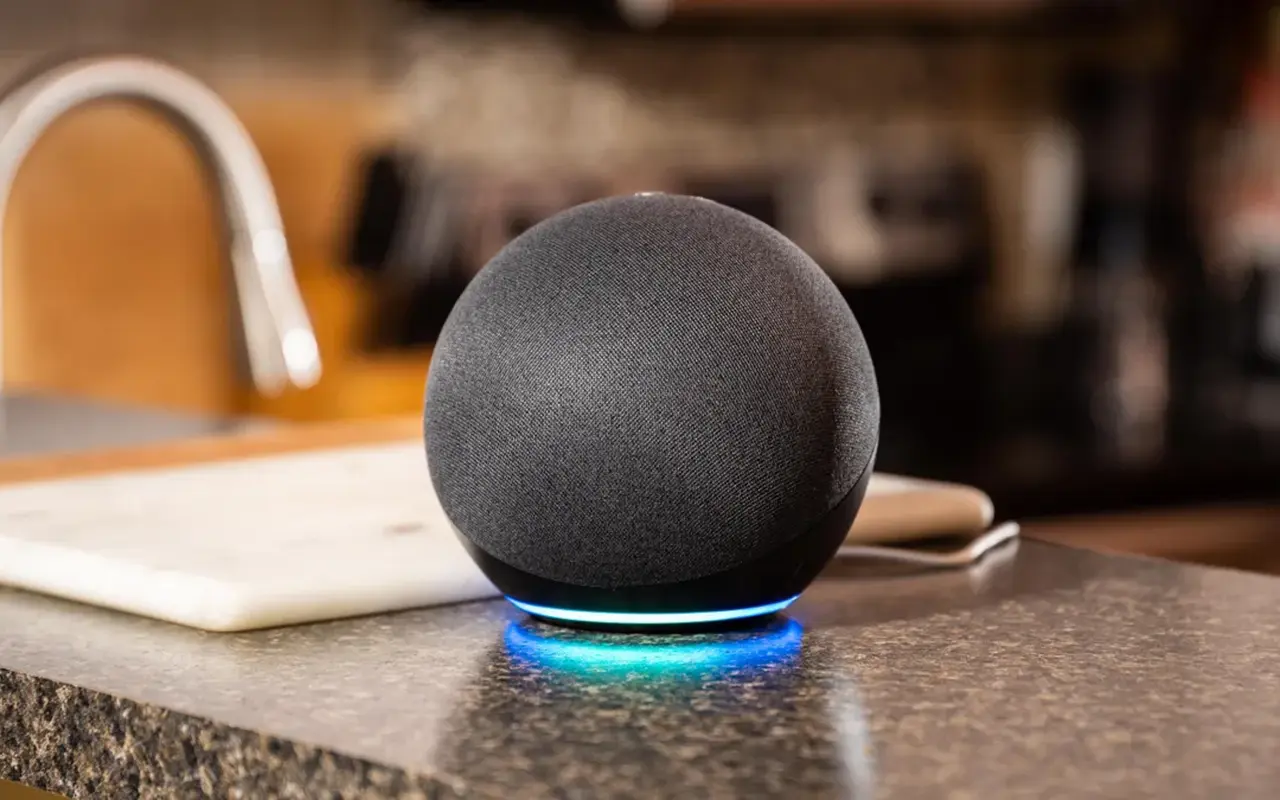
Controlling your lighting has never been easier with Alexa. Connecting your LED strip lights to Alexa gives you voice control, scheduling, and more, making your home lighting system smarter and more flexible. Whether you’re new to smart devices or an experienced user, this guide will walk you through everything you need to know for a seamless setup.
Yes, Alexa can connect to LED strip lights. You can use smart plugs, Wi-Fi-enabled LED strips, or a smart home hub. Once connected, you’ll be able to control your lights with voice commands or through the Alexa app.
Now that you know the basics, let’s dive into the details of how Alexa connects to LED strip lights and what you need to get started.
How Does Alexa Connect to LED Strip Lights?
Using Alexa to control your LED strip lights is straightforward. However, depending on the type of LED strip lights you have, the setup process can vary slightly. There are three primary ways to connect your LED strip lights to Alexa.
Smart Plugs
If your LED strips are not natively compatible with Alexa, you can still control them through a smart plug. Connect your LED strip lights to a smart plug that supports Alexa, and then pair the plug with the Alexa app. This lets you control the lights by managing the smart plug.
Wi-Fi-Enabled LED Strips
Some LED strip lights come with built-in Wi-Fi and support Alexa integration directly. These strips can connect to your home’s Wi-Fi network, and you can easily pair them with Alexa through the app, giving you full control over the lights without any additional devices.
Smart Home Hubs
If you’re using a hub-based smart home system like SmartThings or Philips Hue, you can control your LED strip lights by connecting the hub to Alexa. This allows you to use voice commands to manage your lights through the hub’s integration with Alexa.
In each case, you’ll need to follow specific steps to ensure your lights are properly synced with Alexa, which we’ll cover next.
Which LED Strip Lights Are Compatible with Alexa?
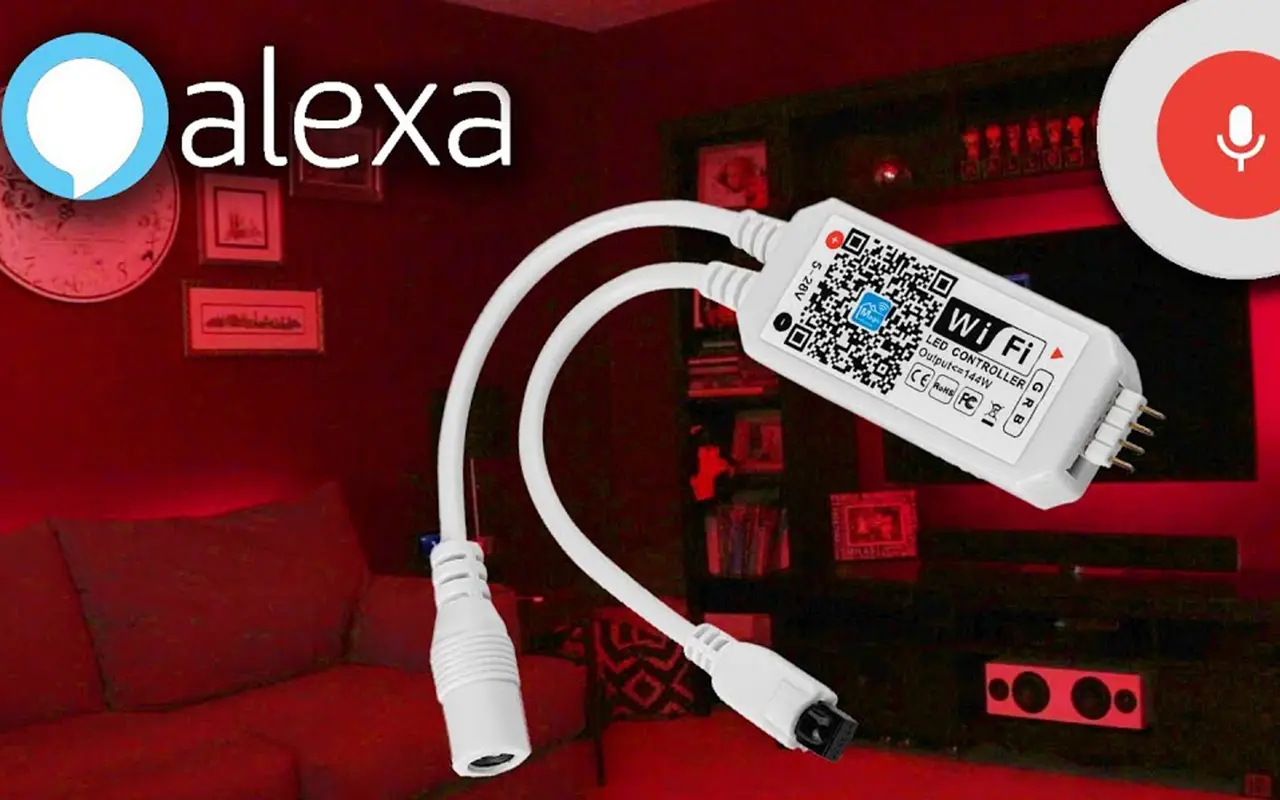
- Smart LED Strip Lights: These are designed with built-in compatibility for Alexa and other smart home systems. Brands like Philips Hue, Govee, and LIFX offer LED strip lights that can be paired directly with Alexa via Wi-Fi. These lights offer more features, including voice control, brightness adjustment, and color changes.
- Regular LED Strip Lights: Regular LED strip lights, which don’t have built-in Wi-Fi or Alexa compatibility, can still be connected using a smart plug. These lights are typically controlled by a remote, but by plugging them into a smart plug, you can turn them on or off using Alexa voice commands. However, you’ll have fewer features compared to smart LED strips.
| Feature | Smart LED Strip Lights | Regular LED Strip Lights (with Smart Plug) |
|---|---|---|
| Alexa Compatibility | Yes | Yes (via Smart Plug) |
| Sterowanie głosowe | Full | On/Off only |
| Color and Brightness Control | Yes | No |
| Setup Complexity | Medium | Simple |
| Additional Hardware Needed | No | Smart Plug |
Always check the product specifications before purchasing to confirm whether the LED strip lights are Alexa-compatible.
Step-by-Step Guide: Connecting LED Strip Lights to Alexa
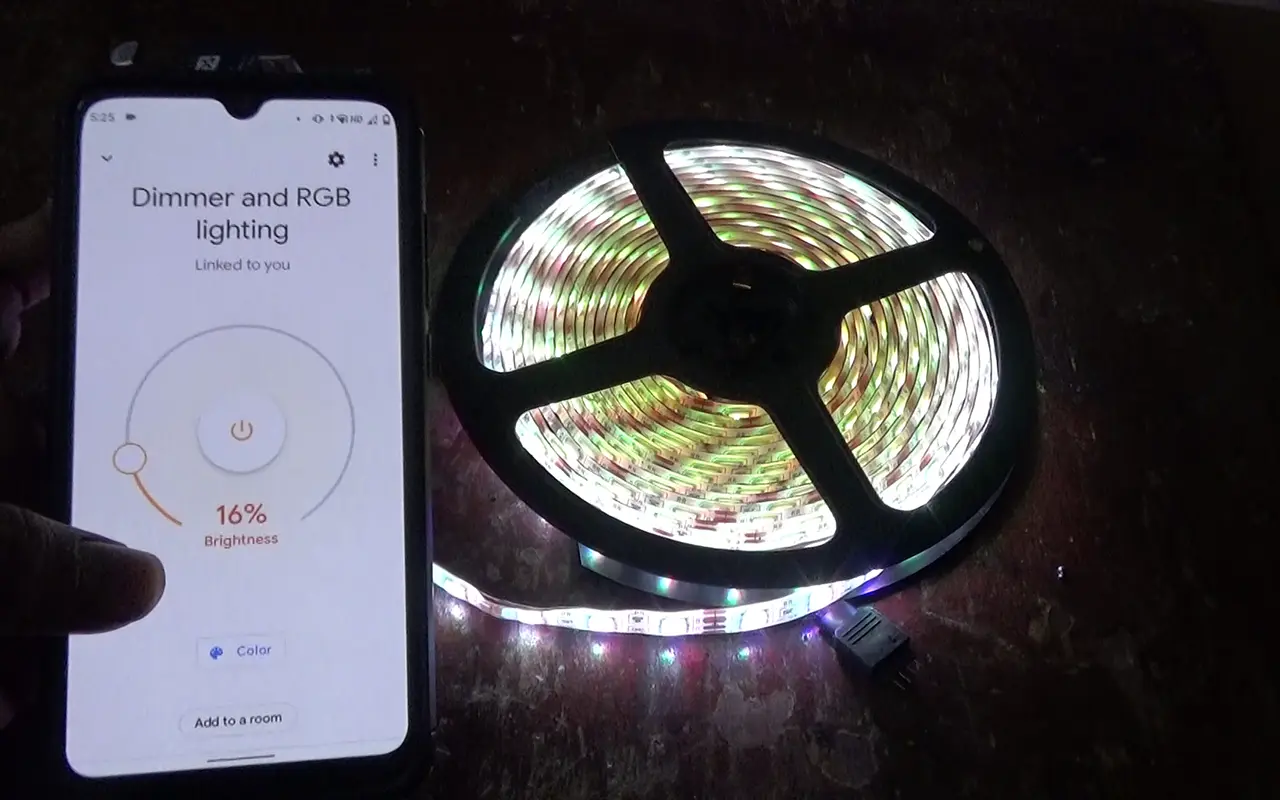
Once you have your LED strip lights ready, the next step is connecting them to Alexa. Follow this simple guide to get your lights set up and controlled by voice commands.
Step 1: Install Your LED Strips
Place the LED strip lights where you want them and plug them into an outlet. Make sure they’re fully powered and in working condition.
Step 2: Connect to the App
If you’re using smart LED strip lights, open the app provided by the manufacturer (e.g., Govee Home or Philips Hue) and connect the lights to your home Wi-Fi network. This step ensures the lights are ready to sync with Alexa.
For regular LED strips connected to a smart plug, follow the setup instructions for the smart plug and ensure it’s paired with Alexa.
Step 3: Open the Alexa App
Once your lights are connected to Wi-Fi or the smart plug is set up, open the Alexa app on your smartphone. Navigate to the “Devices” section and tap “Add Device.”
Step 4: Select Device Type
Choose “Lights” as the device category if you’re connecting smart LED strips. For lights connected via a smart plug, select “Plugs.”
Step 5: Follow On-Screen Instructions
Alexa will walk you through the rest of the setup process, from finding your lights to pairing them with voice commands. Once the pairing is complete, your lights will be ready for voice control.
What Commands Can You Use With Alexa for LED Strip Lights?
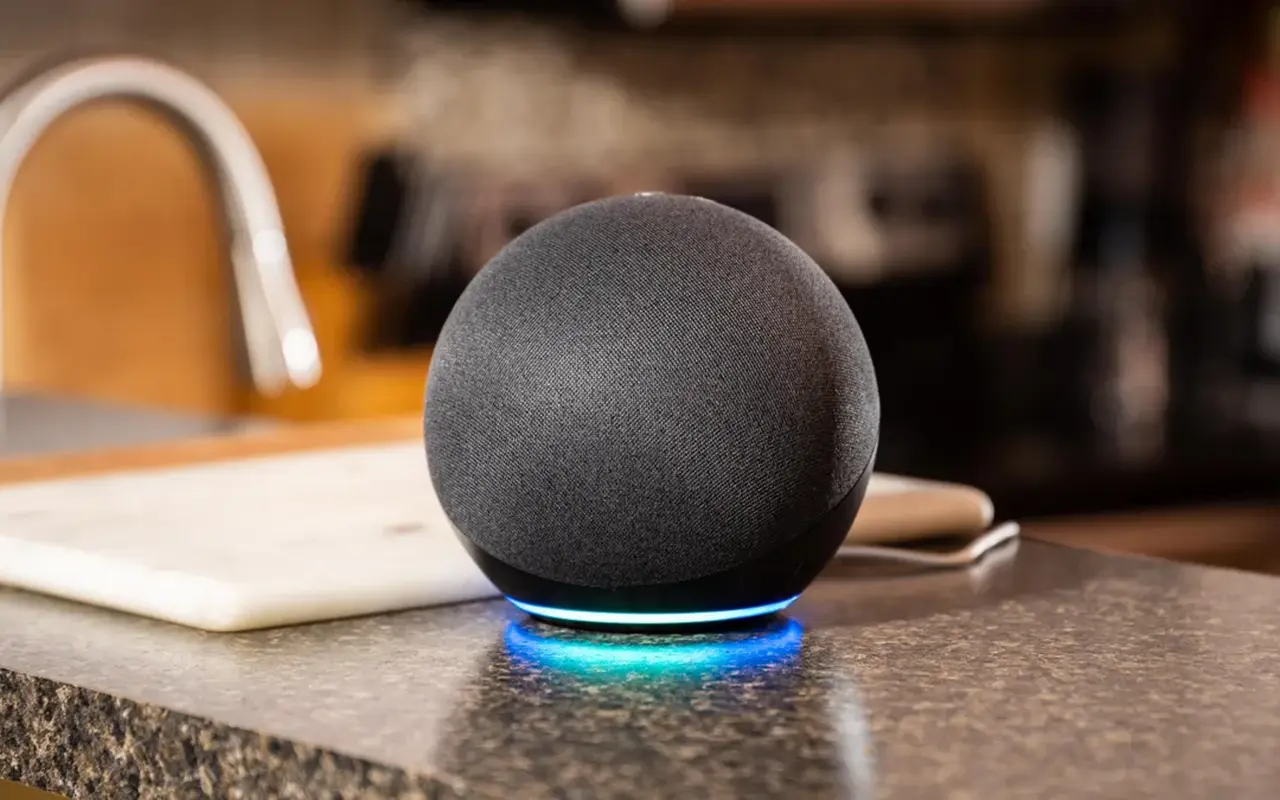
Once your LED strip lights are connected to Alexa, you can use a variety of voice commands to control them. Here are a few popular commands to try out:
“Alexa, turn on the LED strip lights.”
“Alexa, turn off the lights.”
“Alexa, set the LED lights to 50% brightness.”
“Alexa, change the LED lights to blue.”
For smart LED strip lights, you can also set routines, so your lights turn on and off at specific times. Additionally, you can integrate the lights into your smart home ecosystem, allowing them to react to other devices, such as motion sensors or door triggers.
Troubleshooting Alexa and LED Strip Light Connection Issues
Sometimes, things don’t go as smoothly as planned. If Alexa isn’t recognizing your LED strip lights, or you’re having difficulty controlling them, here are a few troubleshooting tips:
- Check Your Wi-Fi Connection: Ensure that both your Alexa-enabled device and the LED strip lights (or smart plug) are connected to the same Wi-Fi network. A weak signal or different network bands (2.4GHz vs. 5GHz) can sometimes cause connection problems.
- Restart Devices: Try rebooting both your Alexa device and your LED strip lights. A quick power cycle can resolve many connectivity issues.
- Factory Reset: If you’re still having trouble, you may need to reset your LED strip lights or smart plug to their factory settings and go through the setup process again.
- Update the Alexa App and Firmware: Outdated software can also cause compatibility issues. Make sure the Alexa app and the firmware of your LED strip lights are up to date.
By following these steps, you should be able to resolve most issues and restore control over your lights.
Najczęściej zadawane pytania
Q: Can Alexa control any LED strip lights?
A: Yes, Alexa can control LED strip lights, but the type of control depends on whether the lights are smart-enabled or regular. Smart LED strip lights connect directly to Alexa, while regular strips can be controlled using a smart plug.
Q: Do I need a smart plug to connect regular LED strip lights to Alexa?
A: Yes, if your LED strip lights are not Wi-Fi-enabled, you’ll need a smart plug to connect them to Alexa. The plug acts as a bridge, allowing you to control the lights via Alexa.
Q: How do I connect my LED strip lights to Alexa?
A: To connect LED strip lights to Alexa, either pair smart LED strips directly using the Alexa app, or connect regular strips via a smart plug. The app will guide you through the setup.
Q: Can I use Alexa voice commands to change the color of my LED strip lights?
A: Yes, if you have smart LED strip lights with color-changing capabilities, Alexa can adjust the color. Simply say, “Alexa, set the lights to blue” or any other color of your choice.
Q: Are any LED strip light brands that work best with Alexa?
A: Popular brands like Philips Hue, Govee, and LIFX offer LED strip lights that integrate seamlessly with Alexa, providing full control over brightness, color, and other smart lighting features.
Q: Why is Alexa not recognizing my LED strip lights?
A: If Alexa isn’t recognizing your LED strip lights, check that both devices are on the same Wi-Fi network. Restarting the Alexa device and lights, or updating the firmware, can also resolve the issue.
Q: Can Alexa control multiple LED strip lights in different rooms?
A: Yes, Alexa can control multiple LED strip lights in different rooms. You can name each set of lights in the Alexa app and issue commands like, “Alexa, turn on the living room lights.”
Q: Can I schedule my LED strip lights to turn on and off with Alexa?
A: Yes, Alexa allows you to set schedules for your LED strip lights. You can create routines in the Alexa app, automating when the lights turn on, or off, or change brightness levels.
Q: What voice commands can I use with Alexa to control my LED strip lights?
A: Common voice commands include, “Alexa, turn on the lights,” “Alexa, dim the lights to 50%,” and “Alexa, set the lights to green.” You can also create custom routines for more control.
Q: Do I need an internet connection for Alexa to control my LED strip lights?
A: Yes, both Alexa and your LED strip lights must be connected to Wi-Fi for voice control and automation to work. Without an internet connection, Alexa won’t be able to communicate with your lights.
Wnioski
Connecting your LED strip lights to Alexa is an excellent way to modernize and simplify your home’s lighting system. Whether using a smart plug, Wi-Fi-enabled lights, or a smart home hub, Alexa gives you the power to control your lights with just your voice. Not only does this make your home more convenient, but it also adds a touch of futuristic flair to any space.
In conclusion, Unitop is one of China’s top manufacturers of Taśmy LED oraz Elastyczny neon LED, offering innovative solutions for all your lighting needs. For expert advice or premium products, skontaktuj się z nami today and let us help you elevate your space.

Tom jest obecnie kierownikiem sprzedaży w Unitop (China) Co., Limited. Był w Oświetlenie LED od 2005 roku. Jest ekspertem w dziedzinie sprzedaży i marketingu oraz zarządzania fabryką. Lubi kulturystykę, a także jest szalonym fanem Apple! Jest ciężko pracującym facetem i uwielbia uczyć się i próbować nowych rzeczy.
E-mail: tom@unitopledstrip.com WhatsApp: +86-18680307140



Dodaj komentarz
Chcesz się przyłączyć do dyskusji?Zapraszamy do udziału!